Thank You
There you will find your VPS Login Details.
📦 Example VPS Login Details
⚠ This is only a demo format. Your actual VPS details will appear in your Order page.
🌍 Control Panel Login
https://oceanvps.in/
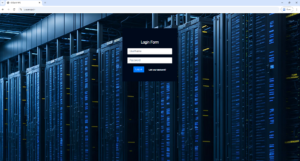
🔐 Username: OCEANVPS65428
🔑 Password: AD359E9743
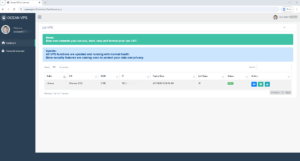
💾 RAM: 8 GB
🌐 IP Address: 103.87.xxx.xxx
🌍 Control Panel Login
https://oceanvps.in/
⚙ Control Panel Features
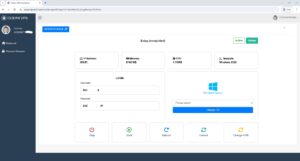
From the control panel you can:
⚡ Start / Stop VPS
🔄 Restart Server
🔑 Change Password
🖥 View VPS Details
💬 Need Help? Contact Support
📢 Telegram Channel
https://t.me/oceanvpspro
🤖 Support Bot Teligram
@oceanalexabot
📱 WhatsApp Support
https://wa.link/v7js2y
🔒 Trusted VPS & Premium IP Provider
Thank you for trusting OceanVPS.
We provide fast, secure and reliable VPS infrastructure.